Signal: How to find 'Email Address and Phone Number'
Last updated: August 28, 2025
Use the Waterfall Enrichment action in Orbital Workflows to automatically find verified email addresses and phone numbers for company owners or decision-makers
Before enriching Emails or Phone Numbers, make sure you've already run the ‘Find Owner of Small Business' Signal in your Workflow
Email Address
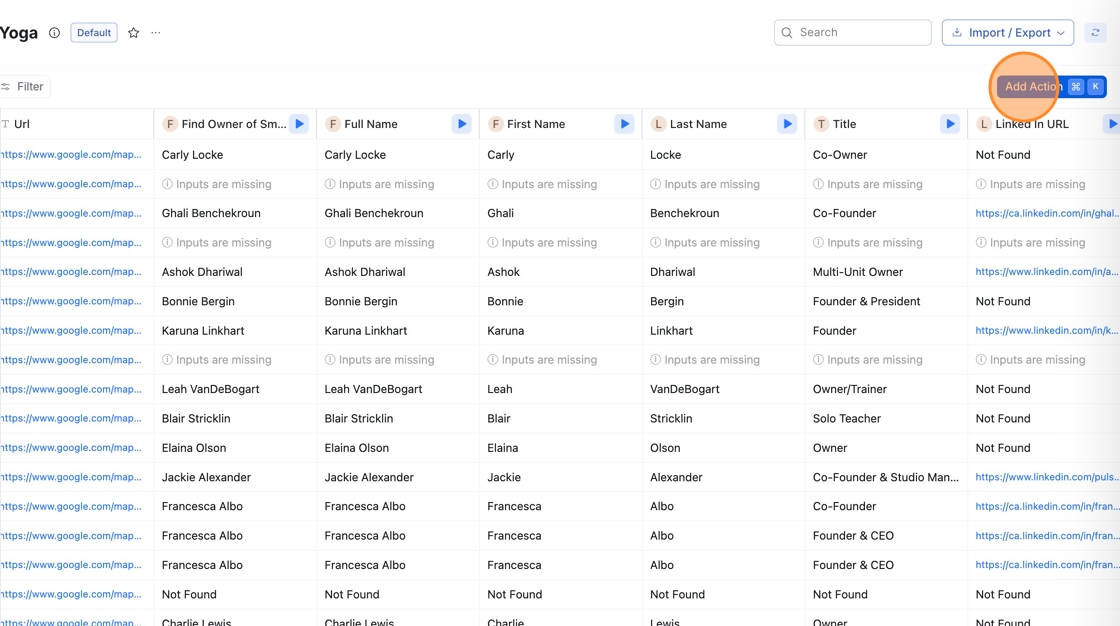
Go to your Workflow Table, then click 'Add Action'
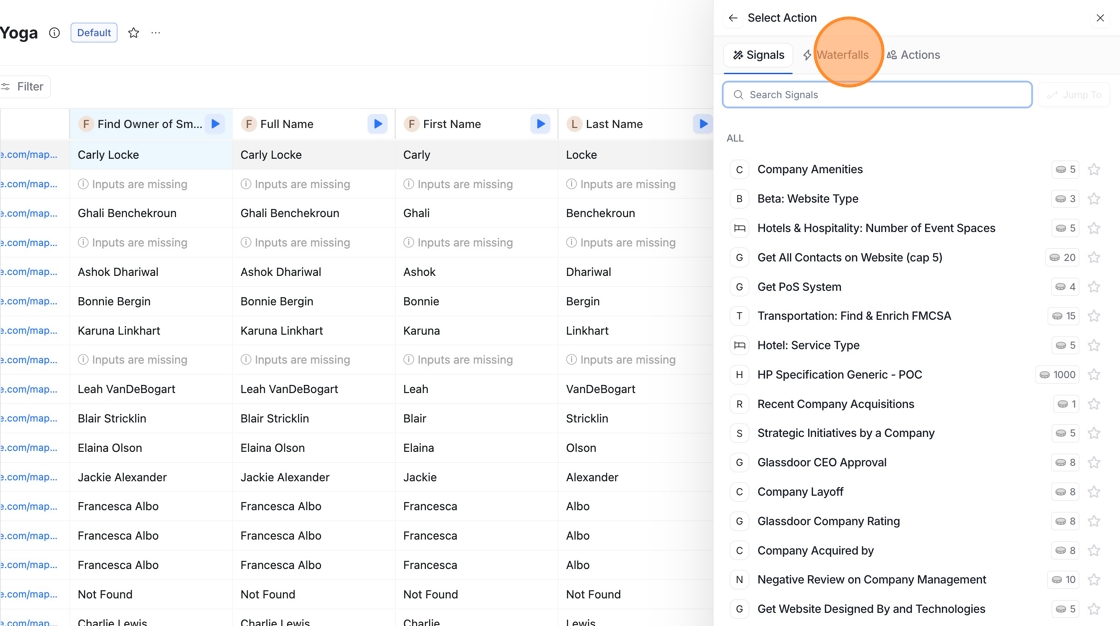
Click 'Waterfalls'
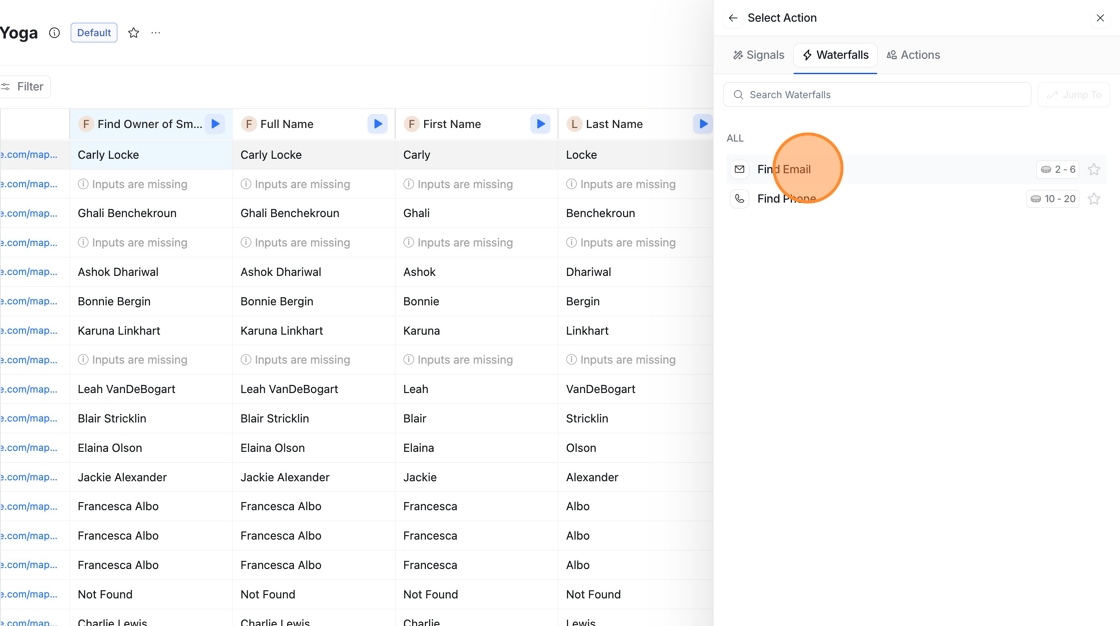
Click "Find Email"

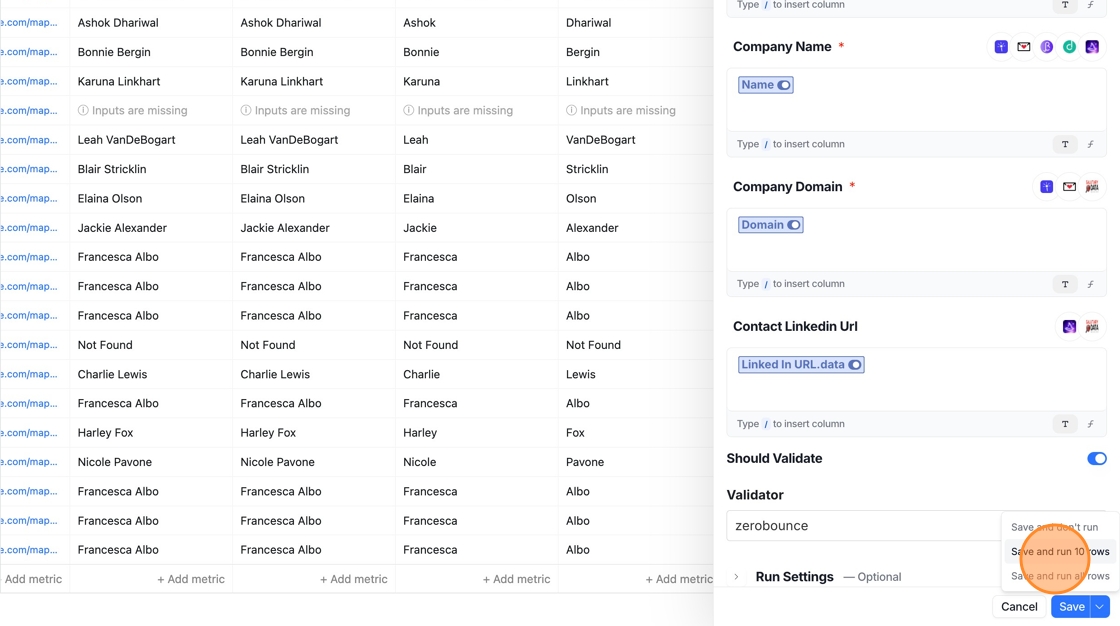
Map the fields by typing: /First Name.data, /Last Name.data, /Name, /Domain, and /LinkedIn URL.data into their respective input boxes
Click Save, then choose to run all rows or just run 10 rows to test the action on a sample set before applying it to the full table
Phone Number
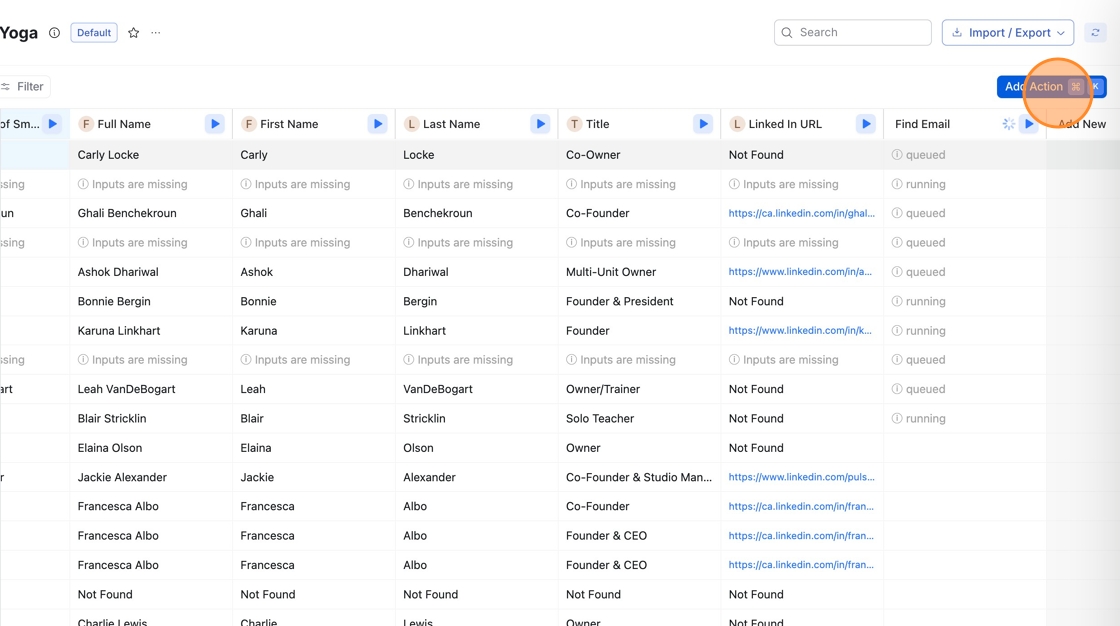
Go to your Workflow Table, then click 'Add Action'
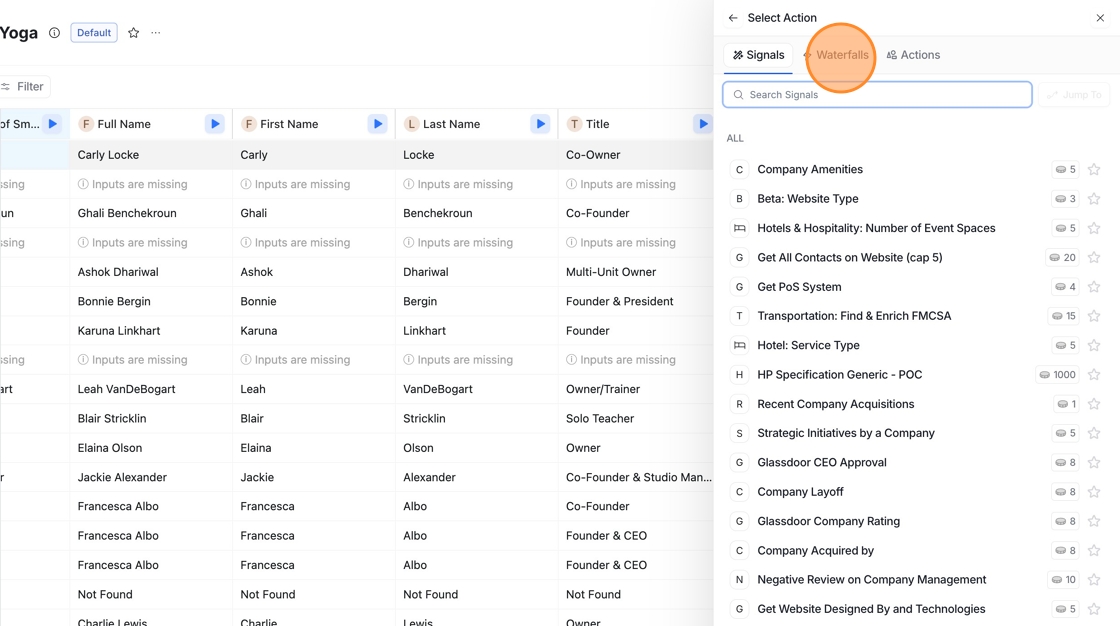
Click "Waterfalls"
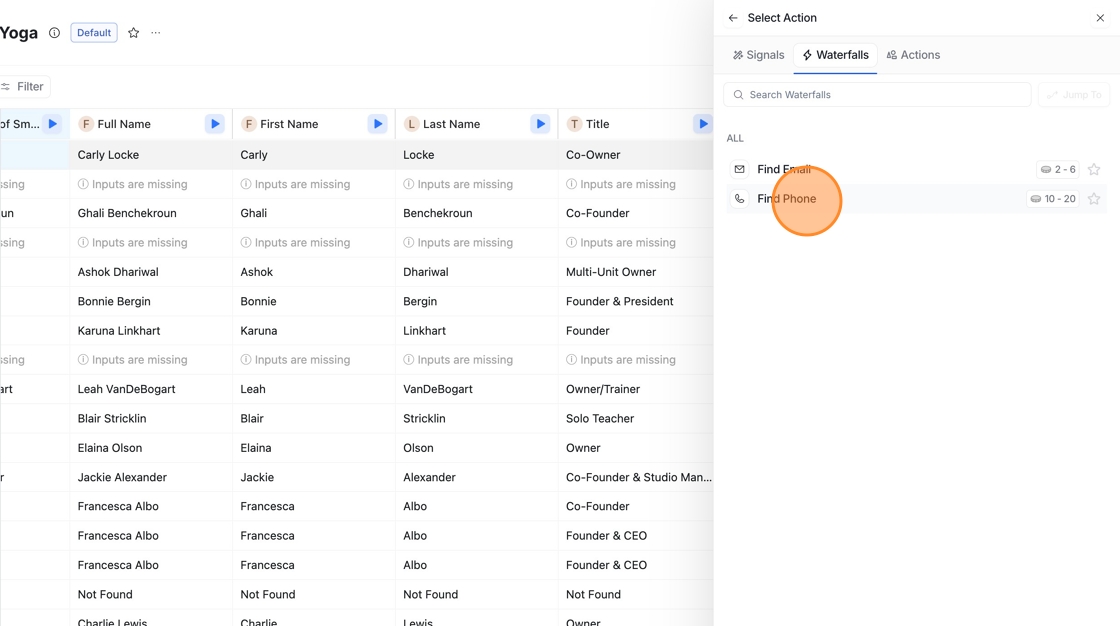
Click "Find Phone"
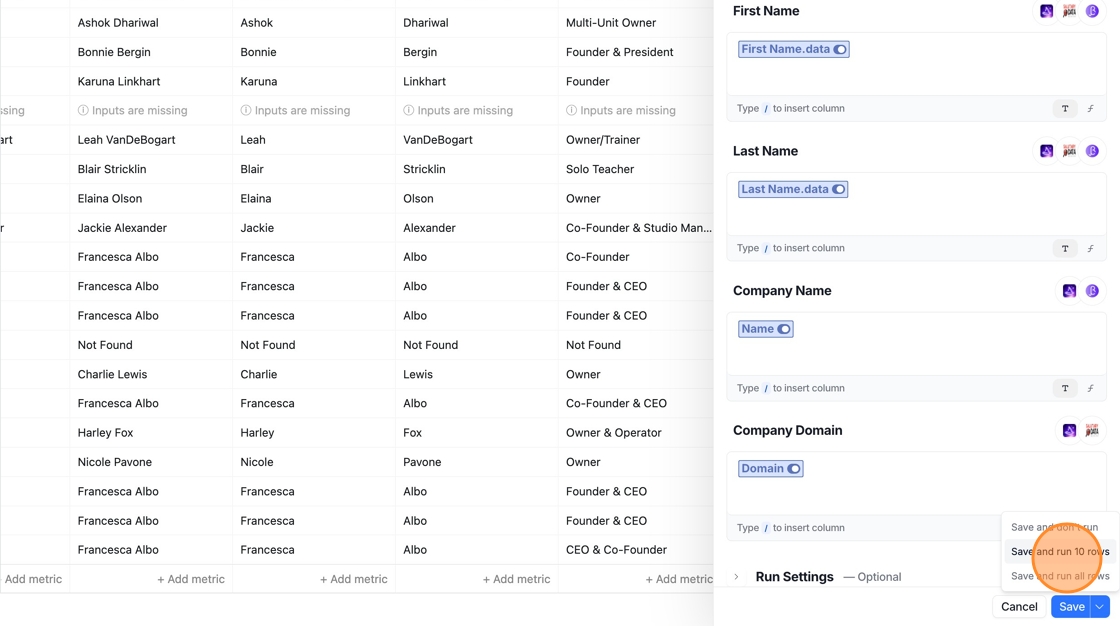
Map the fields by typing: /First Name.data, /Last Name.data, /Name, /Domain, and /LinkedIn URL.data into their respective input boxes

Click Save, then choose to run all rows or just run 10 rows to test the action on a sample set before applying it to the full table
🎥 Quick Video Walkthrough
Watch this quick video to see how you can use the 'Find Email’ and ‘Find Phone’ Waterfall