Signal: How to Check if ‘Business Website is Active / Inactive’
Last updated: August 28, 2025
Use if ‘Business Website is Active / Inactive’ signal in Workflows to check if a Business website is live
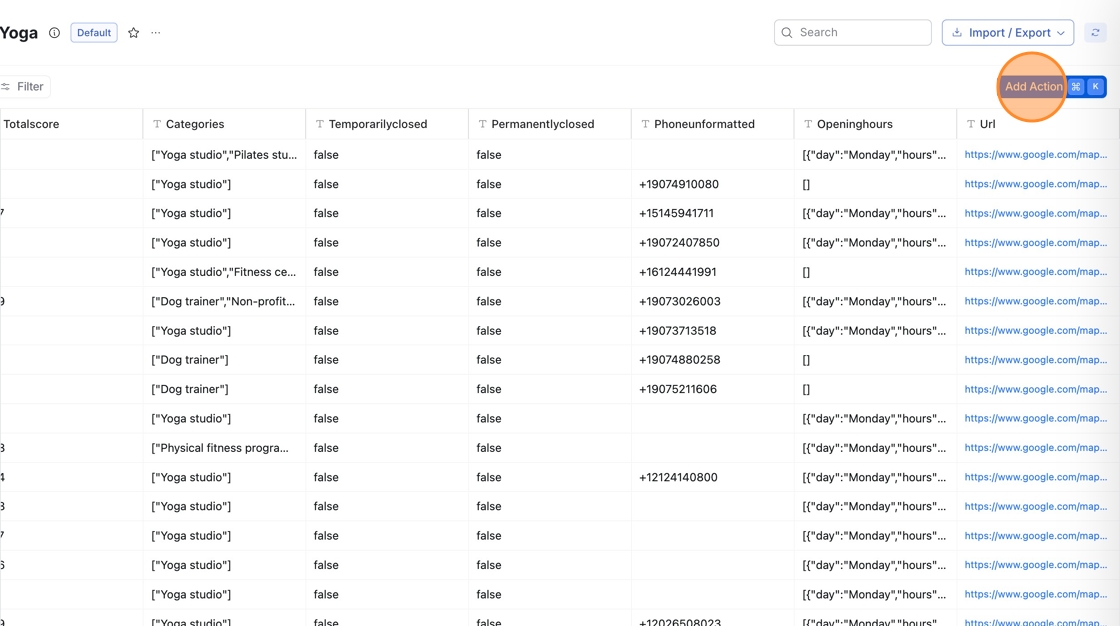
Go to your Workflow Table, then click 'Add Action'
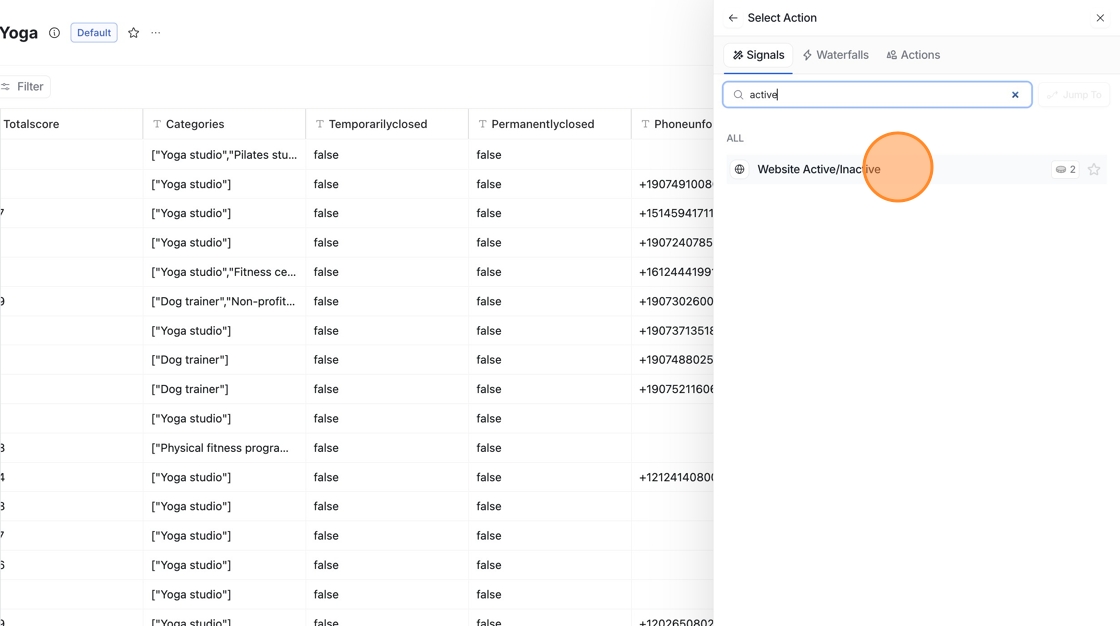
Search "Website Active/Inactive" under Signals

Type /Domain in the mapping field to link the action to your URL column
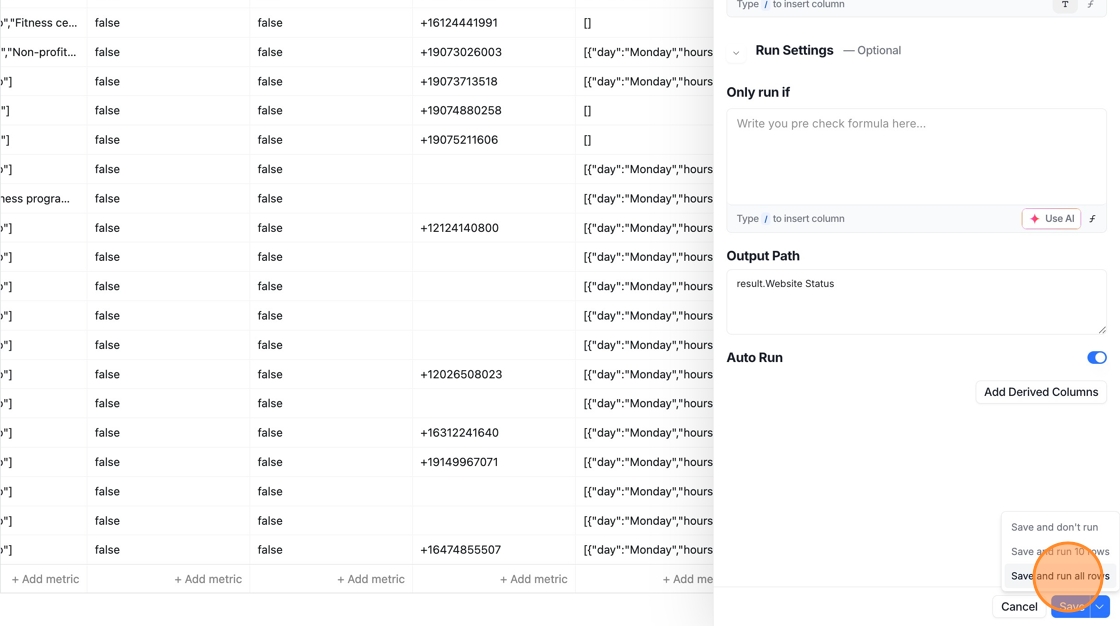
Click Save, then choose to Run all rows or just Run 10 rows to test the action on a sample set before applying it to the full table
🎥 Quick Video Walkthrough
Watch this quick video to see how you can use the 'Business Website Active / Inactive’ Signal