Signal: How to ‘Find Company LinkedIn URL’
Last updated: August 28, 2025
Here’s a Step-by-Step Guide on how to find the LinkedIn URL for companies
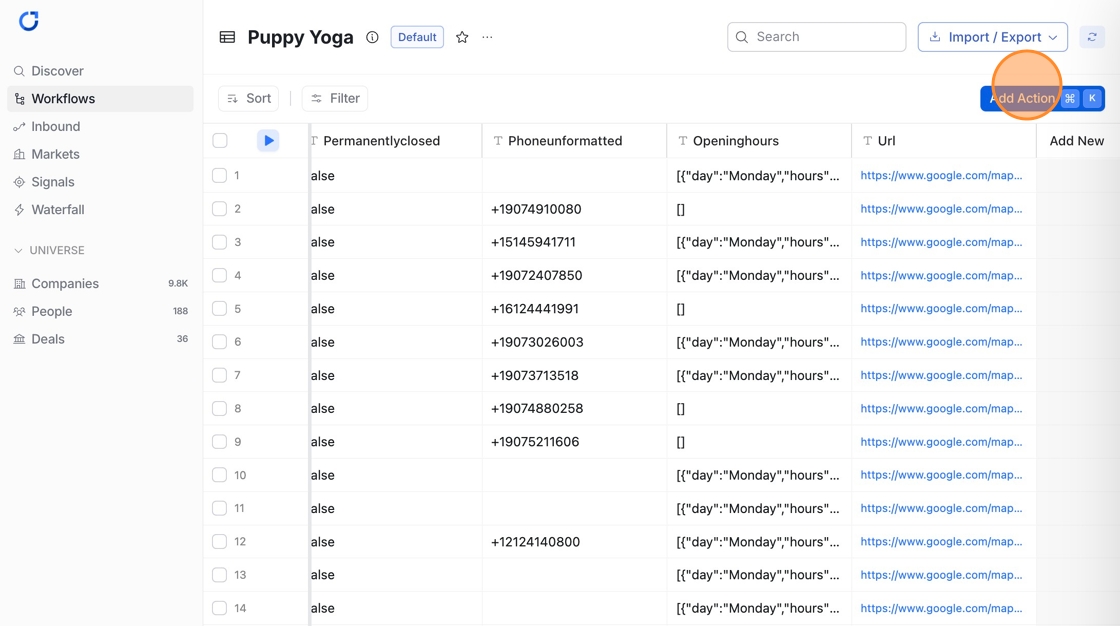
Navigate to the Workflow table you want to enrich with company LinkedIn URL and Click 'Add Action'
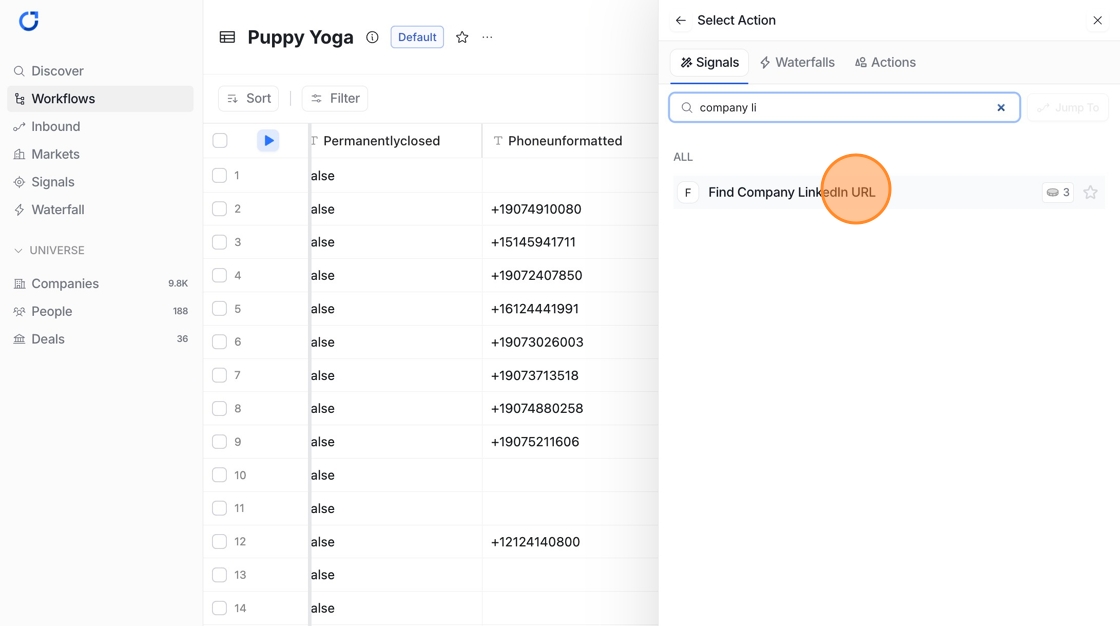
Search 'Find Company LinkedIn URL'

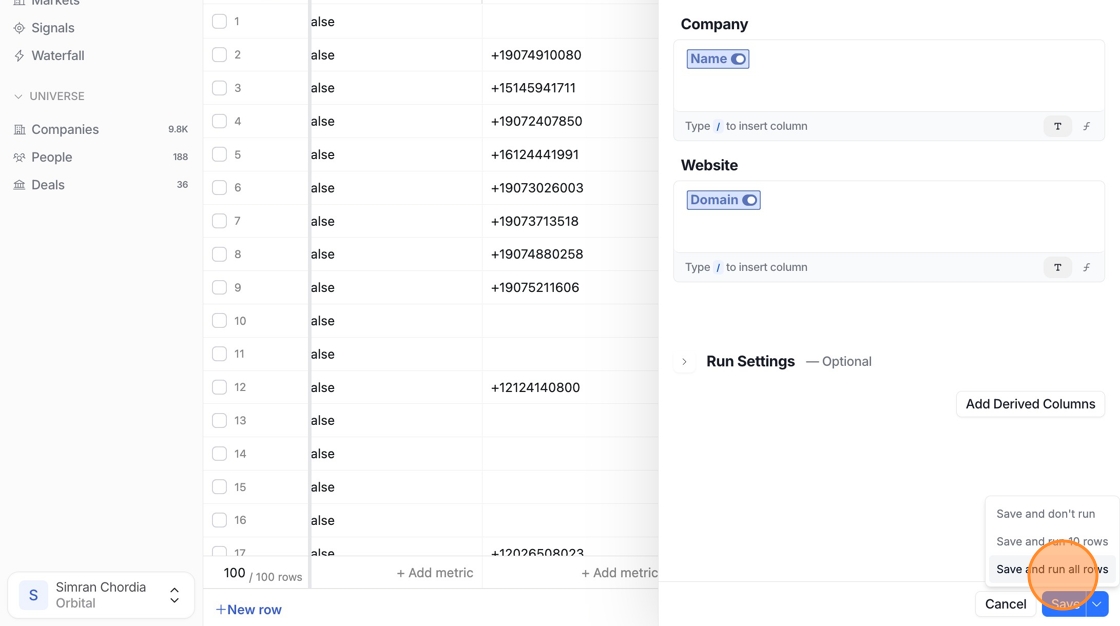
Map Company - /Name and Website- /domain

Add 'Derived columns' let you pull specific values from the output of an action you've run like 'LinkedIn URL'
Click "Save and run all rows"
🎥 Quick Video Walkthrough
Watch this quick video to see how you can use the 'Find Company LinkedIn URL’